Gameplay
How to Expand Your Restaurant in ONE PIECE: Grand Gourmet
Expand your restaurant in ONE PIECE: Grand Gourmet with Franky, check ship expansion costs and character requirements, and move walls and facilities safely.
Updated
- Guides
- 33
- Topics
- 3
- On this page
- 7
Expand Through Franky, Then Adjust the Flooring
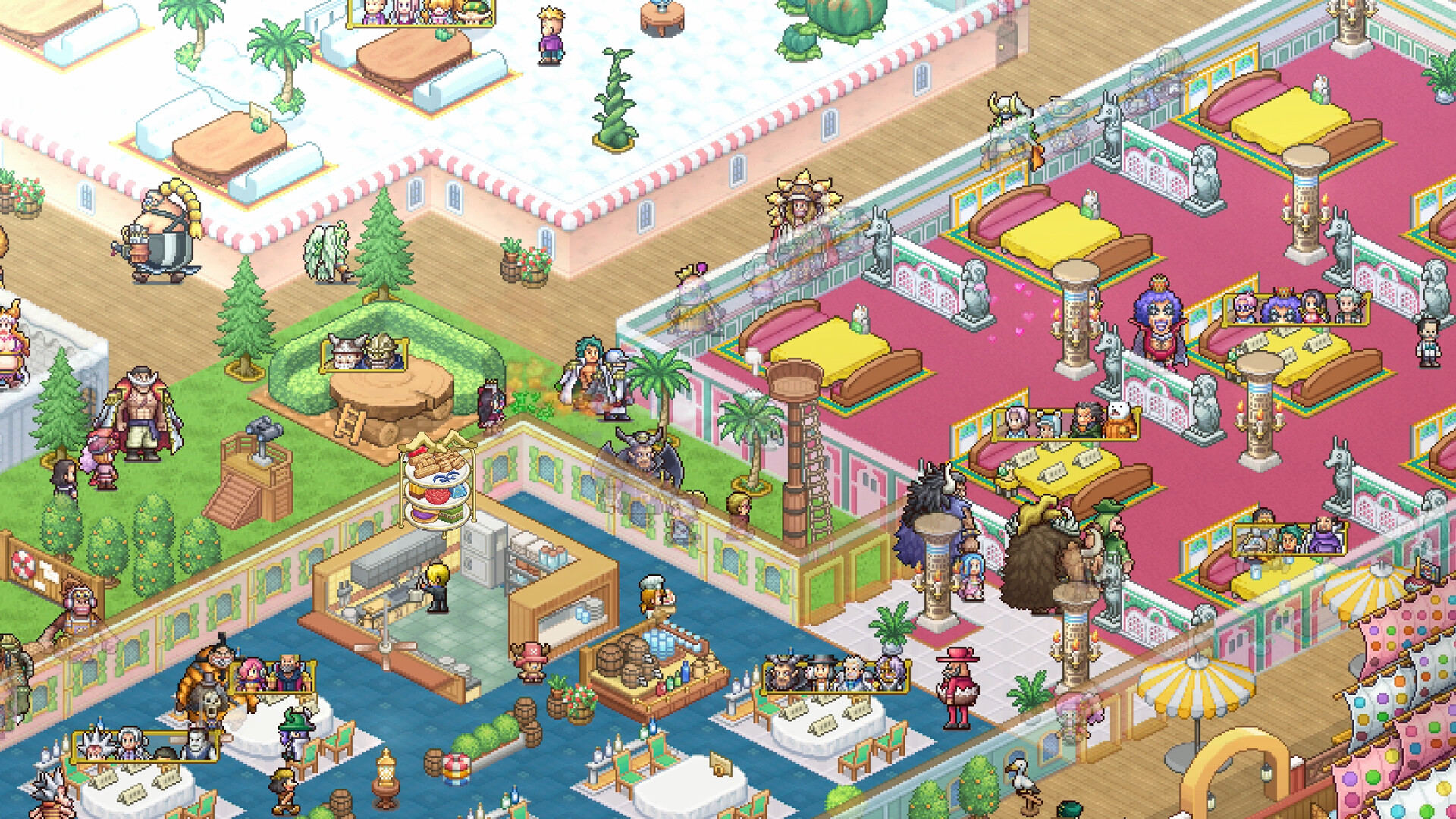
Expand the ship in ONE PIECE: Grand Gourmet through Franky’s restaurant-expansion requests, which clear obstacles and increase the available building area. Afterward, lay flooring to extend indoor rooms and change their walls, then use Build > Move to rearrange facilities and keep access routes clear.
Recruit Franky for Ship Expansion
Franky’s poster arrives through story progress in the Sea of Beginnings. Kaya is the visitor who must see it before you can recruit him. After he joins, an available ship expansion can be selected from the prompt beside the ship.
- Display Franky’s Poster in the restaurant when the story provides it. This lets the recruitment sequence move forward when Kaya sees it.
- Let Kaya visit and inspect the poster so she reveals Franky’s location.
- Recruit Franky through the poster after his location is revealed, paying the required coins shown there.
Franky’s request for a Break Room costs 3 coins and rewards Franky’s Break Room. Build it to access his expansion, facility-request and furniture-crafting services. Keep enough coins for this request as well as the recruitment payment.
Enlarge the Ship and Open the New Floor
Choose your next expansion before spending berries on a larger redesign. The expansion screen gives the cost and names the characters that stage needs. Newly added space begins as deck, so decide which part you want to keep outdoors and which part should become an indoor room.
- Select the ship-expansion prompt beside the ship to open an available enlargement.
- Check the named characters on the next expansion screen so you know which helpers to unlock before paying.
- Use Nami’s bargaining when available to halve the expansion cost; it can be used once per in-game day.
- Pay the displayed berries cost once the expansion’s conditions are met. The enlargement clears surrounding obstacles and adds usable construction space.
- Lay indoor flooring across the part of the new deck you want to turn into a room. The flooring changes the room boundary and its walls.
Expansion Costs and Character Requirements
These prices cover the first 18 expansion stages before Nami’s bargaining discount. Each character count belongs to the specific names shown for that stage. Use the table to budget your berries, then check the expansion screen for the characters you still need.
| Expansion | Base cost and required characters |
|---|---|
| Stage 1 | 2,500 berries; 2 required characters. |
| Stage 2 | 4,000 berries; 3 required characters. |
| Stage 3 | 8,000 berries; 4 required characters. |
| Stage 4 | 18,000 berries; 5 required characters. |
| Stage 5 | 25,000 berries; 6 required characters. |
| Stage 6 | 50,000 berries; 7 required characters. |
| Stage 7 | 75,000 berries; 8 required characters. |
| Stage 8 | 200,000 berries; 9 required characters. |
| Stage 9 | 300,000 berries; 10 required characters. |
| Stage 10 | 500,000 berries; 11 required characters. |
| Stage 11 | 1,000,000 berries; 12 required characters. |
| Stage 12 | 1,500,000 berries; 13 required characters. |
| Stage 13 | 2,000,000 berries; 14 required characters. |
| Stage 14 | 2,500,000 berries; 15 required characters. |
| Stage 15 | 3,000,000 berries; 16 required characters. |
| Stage 16 | 5,000,000 berries; 17 required characters. |
| Stage 17 | 10,000,000 berries; 18 required characters. |
| Stage 18 | 15,000,000 berries; 19 required characters. |
Keep a separate budget for furnishing the new deck. Facilities and furniture use berries, and crafted furniture still costs berries to place through Build. Move existing pieces into the enlarged area before buying replacements if your current furniture already suits the room.
Get the Next Expansion to Appear
An expansion request can stop appearing after several enlargements in the same sea. Continue the story to the next sea to open later stages; once reached, that progression still counts if you sail back to an earlier sea. For an expansion that is visible but unavailable, compare its named characters with the ones you have. The required headcount applies to those characters, so hiring extra servers alone will not fill the gap.
Change Walls Without Blocking the Restaurant
Walls follow the flooring beneath the room. Laying indoor floor or deck changes where walls appear or disappear, so plan the floor boundary before rearranging nearby facilities. Entrance Flooring is a reward from Higuma’s request at shop affinity 7 for 6 hearts.
- Keep a clear route between the entrance and the tables or facilities you intend to use. Leave that route open while you finish the redesign.
- Lay a one-tile strip of Entrance Flooring along the indoor edge you want open. Players report that this leaves the edge open without a separate entrance.
- Open Build > Move and reposition the furniture or facilities beside the new boundary. The move option keeps the object while changing its location.
- Lay deck flooring over any indoor floor left behind by a moved shop if that spot should be outdoors. Players report that this clears the floor patch the shop leaves.
Choose Move whenever you want to keep an existing object. Players report that demolition or building over an item gives no refund, and there is no storage. Treat removal as a decision to discard the placement, and check the move tool before clearing a crowded corner.
Keep Tables Comfortable After Moving Them
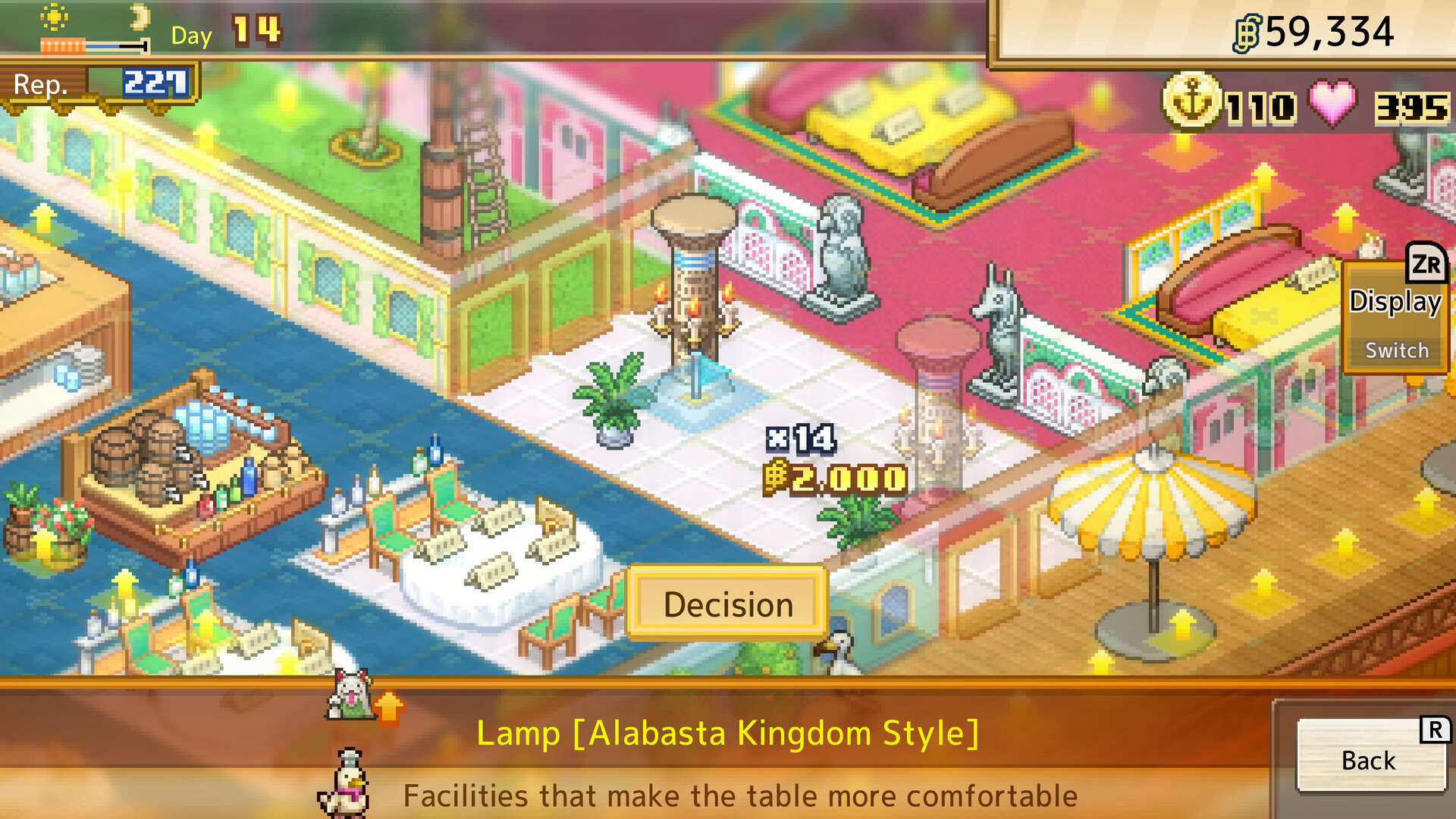
Use the placement preview to keep tables within each decoration’s effect area. Leave two tiles between tables when you want space for decorations, and review table comfort after changing the surroundings. Comfort rank C enables remote ordering, saving staff the trip to take an order.
- Choose the move option in the building menu to start repositioning ceiling decorations.
- Switch to the ceiling layer with the ceiling toggle on the move screen to select lamps, flags or tapestries.
- Move the ceiling item over the seating area you want it to support. Ceiling lights improve comfort without occupying floor space.