Gameplay
How to Get the Log Pose in ONE PIECE: Grand Gourmet
Find the Log Pose in ONE PIECE: Grand Gourmet, give it to Arlong, Bullet or Corazon, and learn how the reusable gift differs from the meal decoration.
Updated
- Guides
- 33
- Topics
- 3
- On this page
- 6
Get the Log Pose at Twin Cape
Get the Log Pose equipment gift from an outing to Twin Cape in the Sea of Seasons. Give it through Menu → Actions → Gift to improve a character’s speed and appetite or make Arlong, Bullet or Corazon a fan; the Log Pose meal decoration is a separate garnish.
Reach Twin Cape and collect the equipment gift
- Reach the Sea of Seasons, sea 2. Outing destinations open when you reach their sea, so aim for this progression milestone before looking for Twin Cape.
- Choose Twin Cape as your outing destination. The Log Pose is among the items found there, and this outing supplies the equipment gift used for character fan conditions.
- Return to Twin Cape if you still need the gift. Repeat outings bring back a destination’s ingredients and items, so keep your search focused on Twin Cape.
Give the Log Pose to a character
- Open Menu → Actions → Gift and choose the Log Pose equipment gift. This is the menu to use when you want to hand the item to a character.
- Choose the recipient you want to help. Prioritize Arlong, Bullet or Corazon when working on their fan conditions, because receiving the Log Pose makes them fans.
- Transfer the Log Pose to another recipient whenever you want to reassign it. Equipment gifts are reusable and are not consumed when given, so you can move them between characters.
What the equipment gift does
The Log Pose improves its recipient’s speed and appetite. Higher speed helps customers reach their seat and leave faster, while higher appetite lets them eat more during a visit. These gift effects help customers spend more at your restaurant.
Arlong, Bullet and Corazon are the Log Pose’s fan-condition matches. Give the equipment gift to the character whose fan condition you want to fulfill. Fans visit more often and continue visiting after you move to another sea, making those recipients useful priorities when building your regular customer base.
You can also move reusable equipment to a character who is currently visiting so its benefits are being used. Dish gifts work differently: they provide a permanent boost but are consumed when handed over. Keep that distinction in mind when deciding which item to give.
Log Pose equipment and meal decoration compared
| Item | Effect | Acquisition | Use |
|---|---|---|---|
| Log Pose equipment gift | Improves speed and appetite; makes Arlong, Bullet and Corazon fans. | Found on an outing to Twin Cape. | Give to a character through Menu → Actions → Gift; transferable between recipients. |
| Log Pose meal decoration | Starting effect: a 1% chance to award 1 heart per order. | Part of Usopp’s menu-decorating system; most garnishes are made at his break room. | Add to a set menu with Select Garnishes while editing the meal. |
Choose the equipment gift when your goal is to make Corazon a fan. Putting the Log Pose decoration on a meal does not replace the gift he needs. The decoration belongs on a set menu, where its effect provides a chance of a heart reward from an order.
Use the Log Pose meal decoration
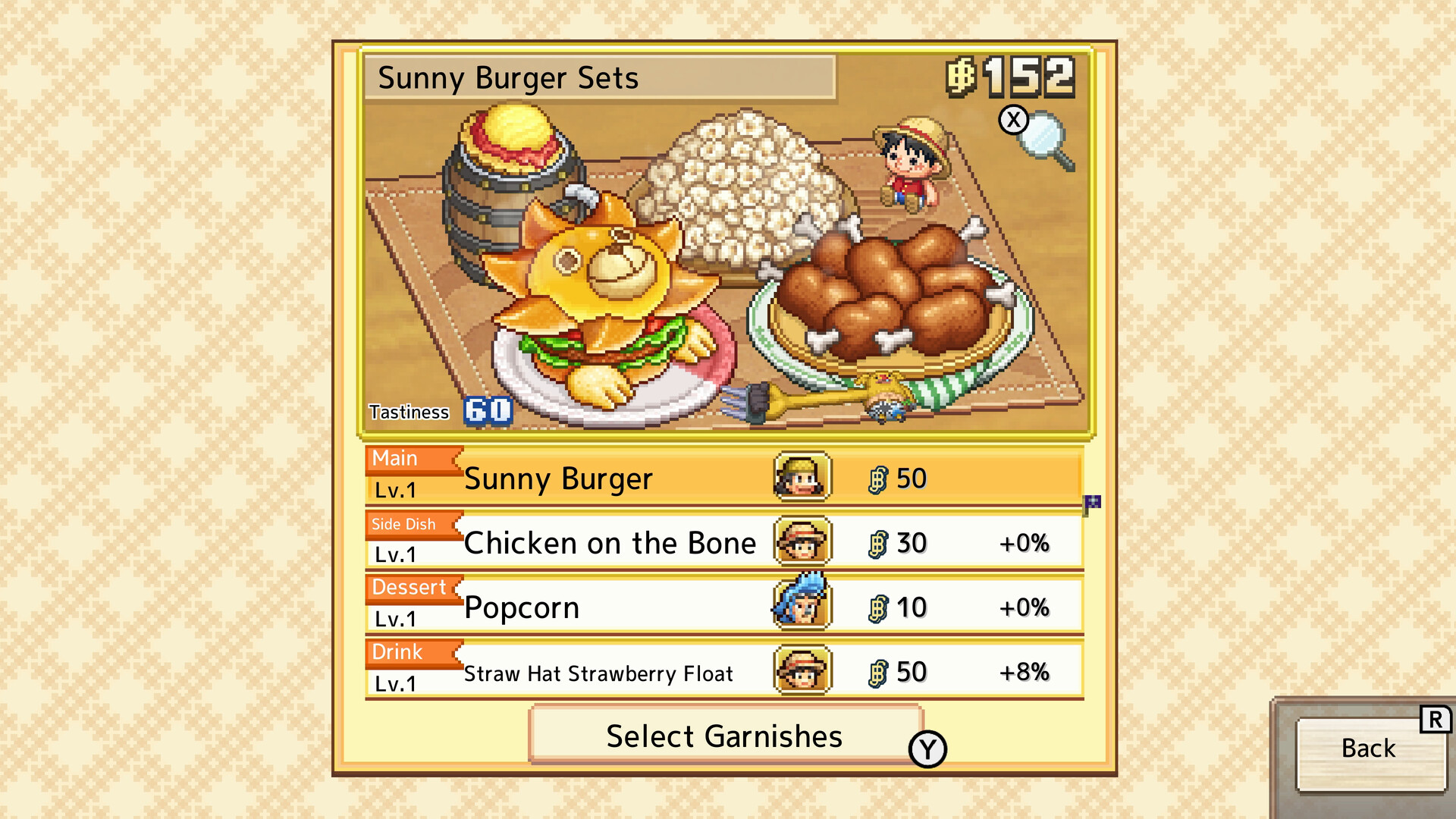
- Edit the set menu you want to decorate. Find Select Garnishes beneath the Main, Side Dish, Dessert and Drink rows.
- Choose the Log Pose garnish for the meal. Its starting effect gives a 1% chance of awarding 1 heart per order, so treat it as a chance-based bonus when choosing your decorations.
- Use Usopp’s workshop if you want to change a garnish’s effect. Choose a bonus that fits your current restaurant goal, such as second helpings for sales or heart and coin rewards.